
October 11, 2026
When should Wisconsin businesses start Small Business Saturday marketing?
An October-to-November Small Business Saturday checklist for Wisconsin shops, restaurants, and local businesses preparing search, offers, staffing, and follow-up.
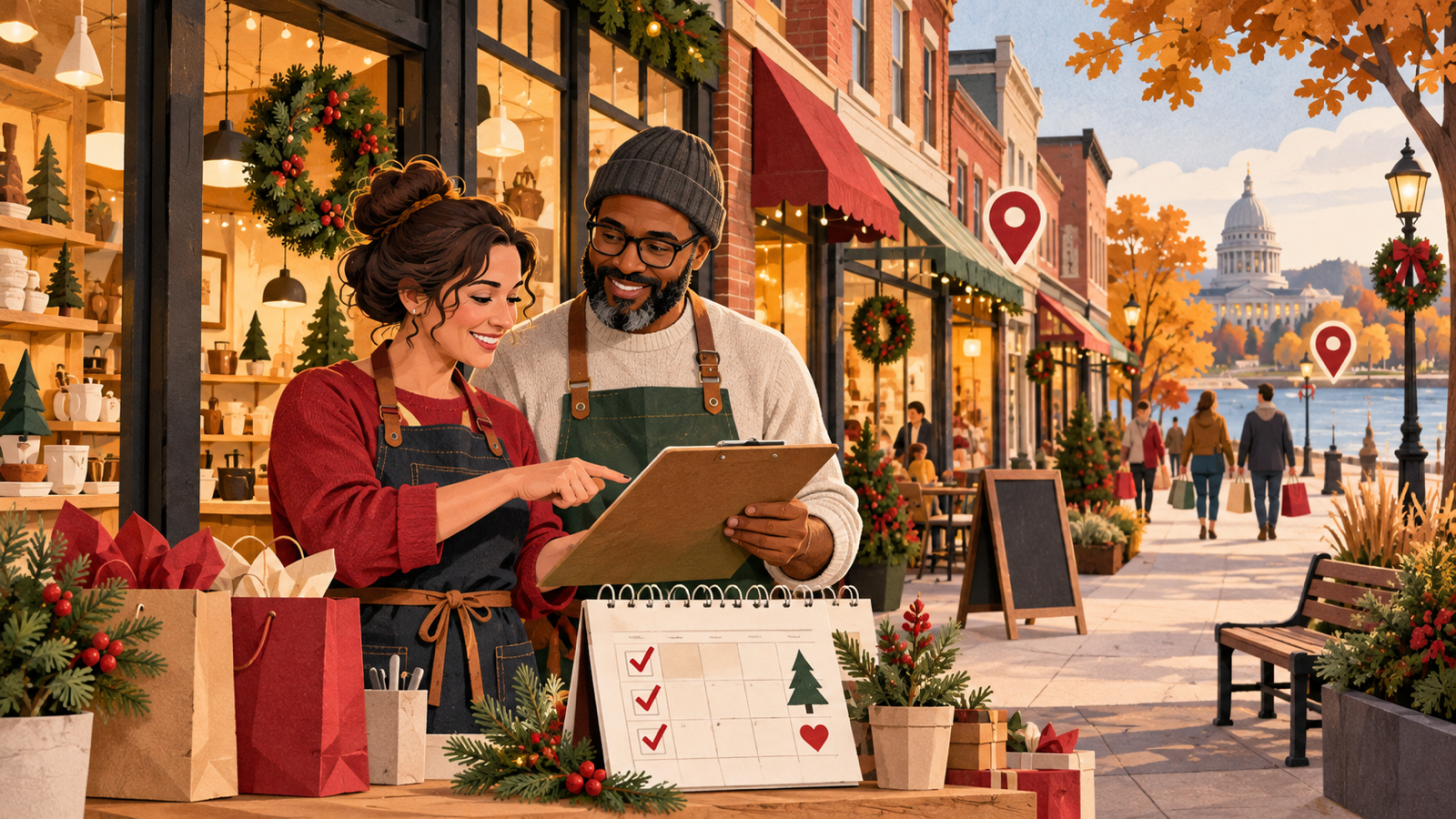
Wisconsin shops, restaurants, studios, and appointment-based businesses should start Small Business Saturday marketing in October, not during Thanksgiving week. Use October to decide the offer, verify local-search information, prepare inventory and staffing, and build reusable campaign assets. Use November to publish the details, coordinate with nearby businesses, collect reservations or preorders, and keep availability accurate. In 2026, Small Business Saturday falls on November 28.
The timing is supported by a repeatable seasonal search pattern. In the public Google Trends view for “Small Business Saturday” in Wisconsin over the past five years, reviewed October 11, 2026, interest was concentrated around the event each year. The weekly Wisconsin index reached 100 for the week of November 21, 2021; 92 for November 20, 2022; 82 for November 19, 2023; 64 for November 24, 2024; and 53 for November 23, 2025. Milwaukee ranked fourth among the seven Wisconsin metros shown for the term. Google Trends uses a normalized 0–100 scale, not search counts, so these values show timing and relative interest—not market size, sales, or guaranteed traffic.
The event itself is not a forecast or a requirement to discount. The U.S. Small Business Administration describes Small Business Saturday as the Saturday after Thanksgiving and a day to support small businesses and their communities. A useful campaign gives nearby customers a specific reason to choose the business, then makes the visit, order, or booking easy.
The short answer: build the campaign in four stages
| Window | Customer question | Business job |
|---|---|---|
| Early October | “What will be worth visiting?” | Choose the offer, featured products or services, capacity, and campaign owner |
| Late October | “Where, when, and how do I shop?” | Fix local listings, landing pages, inventory, staffing, and partner details |
| November 1–20 | “What is happening near me?” | Publish the event, email customers, coordinate locally, and open reservations or preorders |
| Thanksgiving week and after | “Is this still available?” | Show live hours and availability, route questions correctly, and follow up |
This schedule should follow the operation. A bakery with a preorder cutoff, a salon with six appointment slots, and a retailer with walk-in inventory need different calls to action. Do not advertise unlimited availability when the real plan has limits.
Start with one clear customer promise
“Shop small” is a community message, not a complete offer. Before designing posts, decide what the customer can actually do and why it is useful.
A clear promise might be:
- a curated gift bundle available for pickup;
- a ticketed demonstration or workshop;
- an early-access appointment window;
- a limited menu or tasting;
- gift-card packaging for service businesses;
- a neighborhood passport involving several independent businesses;
- a useful bonus that does not force an unsustainable discount.
Write the operational details beside the marketing copy: eligible items, quantity, start and end times, reservation rules, pickup instructions, return policy, accessibility information, and who can approve an exception. If staff cannot explain the offer in one breath, customers will struggle too.
Build one durable event page
Create a page on your own website that answers the complete question. Social posts, email, community calendars, and your Google Business Profile can all point to it.
The page should state:
- the exact date and hours;
- the location, parking, entrance, and accessibility details;
- what is available and what is excluded;
- whether customers should walk in, reserve, preorder, call, or book online;
- any quantity or appointment limits;
- whether online and in-store terms differ;
- how weather, sellouts, or schedule changes will be communicated;
- the phone number or message channel monitored that day.
Use the customer’s language in the title and opening answer, then keep the rest readable. A useful page is better than separate thin pages for every suburb or every product. The principles in our guide to service-area pages without doorway spam also apply here: local relevance comes from real information, not repeated city names.
Make Google and the website agree
Small Business Saturday discovery often happens on a map, in a browser, or through a shared link while the customer is already planning a route. Check the facts a customer needs before you schedule promotion:
- primary category and business description;
- address, map pin, entrance, and parking notes;
- regular and special hours;
- phone number and message routing;
- website and appointment links;
- current products, menus, or services where applicable;
- recent photos that accurately show the location;
- event details and any relevant Google Business Profile post.
Google recommends confirming special hours for holidays, even when they match the regular schedule. If your Thanksgiving-week schedule is already being planned, use the broader Wisconsin holiday-hours checklist to keep the profile, website, phone greeting, booking system, ads, and staff schedule aligned.
Do not add keywords to the business name, create a temporary duplicate listing, or claim a storefront in a city where customers cannot actually visit. If the profile needs deeper cleanup, start with the Google Business Profile optimization guide for southeastern Wisconsin.
Coordinate with the neighborhood before the feed gets crowded
Local shopping works well as a route. In southeastern Wisconsin, a customer may combine a cafe, boutique, maker market, salon, gallery, and restaurant in one trip. Nearby businesses can make that trip easier without sharing customer data or forcing identical discounts.
Useful coordination includes:
- a simple map or list of participating stops;
- staggered event times;
- a shared parking or transit note;
- cross-promotion with accurate links;
- one photo day that gives every participant usable assets;
- a passport or receipt-based activity with written rules;
- a consistent answer about weather and schedule changes.
This is already visible locally. West Allis Downtown lists its Shop Small West Allis campaign from November 1 through Small Business Saturday, showing why October is a practical coordination window. Treat that as evidence of a local campaign calendar—not proof of demand for any individual business.
Use a channel plan that matches the decision
Each channel should do one job well.
Website
Hold the complete, updateable source of truth. Add a prominent path from the home page only while the event is relevant, and preserve the page afterward if it contains useful evergreen information.
Google Business Profile
Publish the event or offer with a direct link to the detail page. Use a real photo or campaign graphic, verify hours, and update the post if availability changes. Our guide to Google Business Profile posts that convert explains how to keep the post specific without making unsupported ranking claims.
Email and SMS
Segment by relevance rather than blasting every contact. Past retail customers may want early access; appointment customers may want gift cards; nearby customers may care about the in-person event. Only text people who have valid consent, identify the business, and make opt-out handling work before the campaign begins.
Social media
Show the product, people, place, and practical details. A sequence usually works better than one crowded graphic: announce the date, demonstrate what is featured, introduce a participating neighbor, answer logistics, then post an honest availability update.
In-store and phone
Give staff the same offer summary, cutoff times, exceptions, and escalation contact used online. Update the voicemail if callers need event-specific instructions.
Add automation only where it removes friction
Small Business Saturday can create a compressed wave of repetitive questions. Light automation can help, but it should not invent stock status, promise a reservation, or hide the route to a person.
Good uses include:
- tagging event-page forms by product, service, or pickup window;
- sending a confirmation with the correct address and time;
- closing a reservation form automatically when capacity is reached;
- routing gift-card, accessibility, and order questions to the right owner;
- reminding staff to update the website and profile when an item sells out;
- sending a post-event thank-you or pickup reminder to customers who opted in.
If your systems require copy-and-paste between the inbox, booking calendar, point of sale, and spreadsheet, our workflow and business automation service is designed around that kind of handoff. Keep a person responsible for exceptions and for any message that affects a customer’s money, order, or appointment.
Prepare for sellouts, weather, and changed hours
The best campaign can still fail at the last mile. Write the change plan before promotion starts:
- Name the person allowed to change availability or hours.
- List every channel that must be updated.
- Create plain-language “sold out,” “next opening,” and weather-delay messages.
- Decide whether substitutes, waitlists, rain dates, shipping, or later pickup are genuinely available.
- Test the contact path from a phone, not only a desktop.
Never leave an expired offer active to capture leads. A clear “this item is gone, here is what remains” update protects more trust than a form that accepts requests the business cannot fulfill.
Measure the campaign without inventing attribution
Choose a few measures that connect marketing to the operation:
- event-page visits and clicks to directions, booking, preorder, or phone;
- email clicks and opt-outs;
- reservations, preorders, or gift-card purchases tied to the campaign;
- walk-in traffic or transaction counts when the point of sale can report them;
- sellout timing and unanswered customer questions;
- partner referrals using a simple, documented method;
- repeat purchases or completed pickups after the event.
Do not claim that every Thanksgiving-week sale came from a post, a map view, or Small Business Saturday itself. Compare what you can measure, record limitations, and use staff notes to improve the next campaign.
A practical 90-minute launch checklist
- Confirm the offer, capacity, eligibility, dates, and owner.
- Draft the event page with one clear action.
- Verify Google Business Profile details and Thanksgiving-week hours.
- Test preorder, reservation, gift-card, phone, and message paths.
- Ask staff to explain the offer and log unanswered questions.
- Contact neighboring businesses or the local business district.
- Prepare four campaign posts and one availability-update template.
- Schedule a post-event review for the following week.
The strongest Small Business Saturday campaign is not the loudest one. It is the one where the promise, local-search information, staffing, inventory, booking, and follow-up all give the customer the same answer.
If your Wisconsin business needs help connecting local SEO, campaign content, intake, and follow-up, request a local marketing and automation audit.
Want this applied to your shop?
Book a free audit—we will connect strategy to your counties, trucks, and how you want the phone to ring.
Contact us